Meta ads · Lead quality
Meta Conversions API:better leads,not just more leads.
Your ads bring in plenty of leads, but only a few ever buy. Meta can’t tell the difference, so it keeps finding more of the wrong people. Here is how the Conversions API teaches your ads who your real customers are, how the flow works, and the three ways to connect it.

In one minute
- Meta can’t tell good leads from bad unless you tell it what happened next.
- The Conversions API sends your CRM’s lead stages straight back to Meta.
- With the Conversion Leads goal, Meta then targets people likely to buy.
- Meta reports an average 21% lower cost per quality lead in its 2025 test.
- Connect it by manual upload, a third-party tool or a direct integration.
Who this is for
Businesses running Facebook or Instagram lead ads that get plenty of leads but too few customers: clinics, schools, coaching institutes, real estate, home services.
Ask yourself: does Meta know which of last month’s leads became customers?
On this page
Your Facebook or Instagram ad brings in 100 leads this week. Your team calls them. Half don’t pick up, a quarter were “just checking”, and maybe five actually become customers.
Here is the problem: Meta has no idea which five those were. As far as Meta knows, all 100 leads were equally good. So next week it goes looking for more people like all 100, including the 95 who wasted your time.
The Meta Conversions API fixes this. It lets your business tell Meta what happened after the form was filled, so Meta can find more people like the ones who actually paid you.
The basics
What the Conversions API is, in plain words
The Conversions API (often called CAPI) is a direct line from your business system to Meta. Instead of Meta guessing what customers did, your own system reports it.
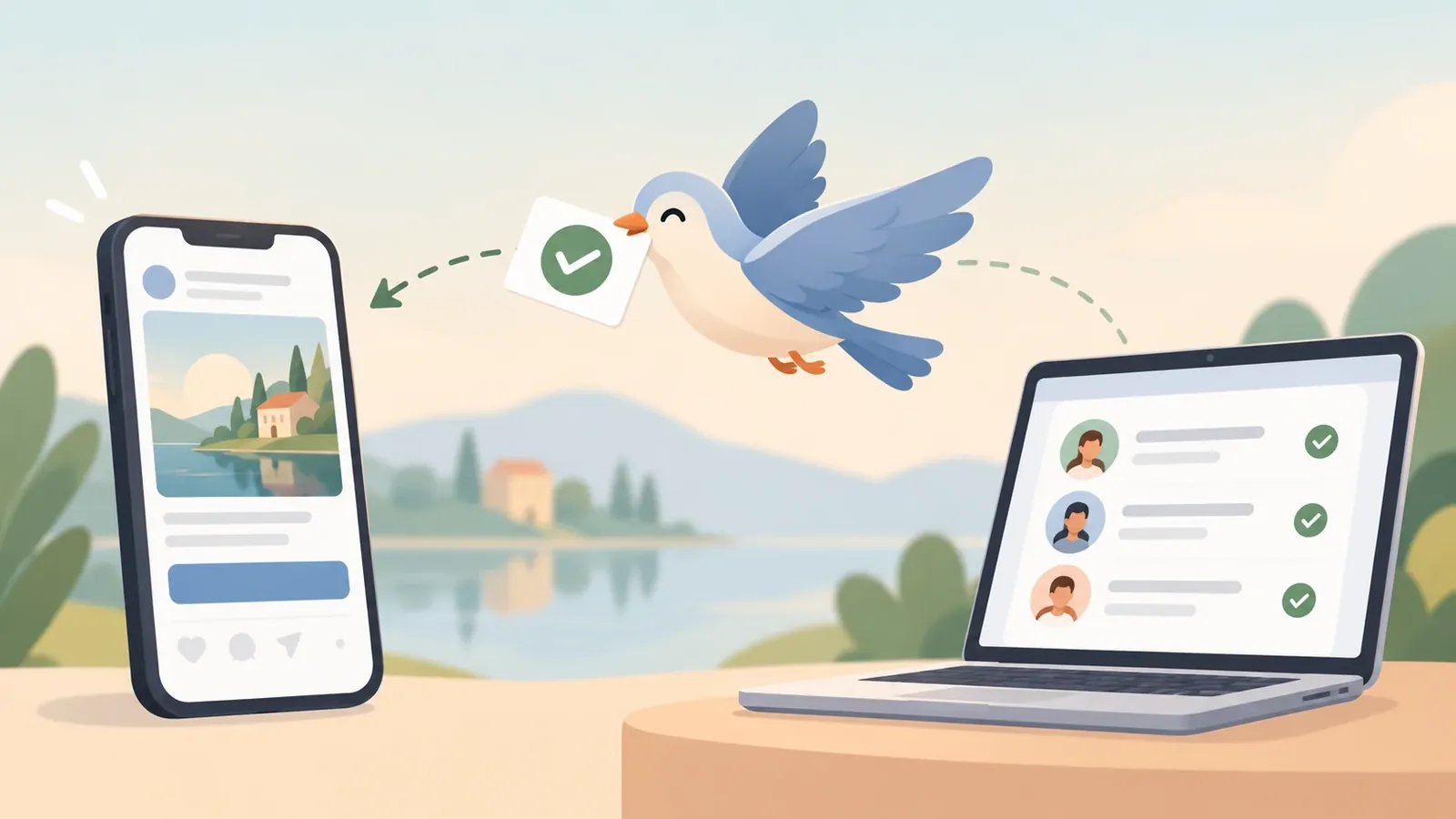
Think of it as a feedback form you send back to Meta about every lead:
- “This lead was real and picked up the phone.”
- “This one booked an appointment.”
- “This one became a paying customer.”
These reports are called events. Each one carries the lead’s ID (or a scrambled, privacy-safe version of their phone number or email) so Meta can match it back to the person who clicked your ad.
The version built for lead ads is called Conversions API for CRM, because the events come from your CRM: the system where your team tracks every lead.
Pixel vs CAPI
Pixel vs Conversions API: what’s the difference?
Most businesses already have the Meta Pixel on their website. The two do related jobs, but they see very different things.
| Meta Pixel | Conversions API | |
|---|---|---|
| Where it runs | In the visitor’s browser | On your server or CRM |
| What it sees | Page views, clicks and form submits on your site | Anything your business records, including offline steps |
| Blocked by ad blockers or privacy settings? | Often | No |
| Knows a lead became a customer days later? | No | Yes |
| Works with Instant Form lead ads? | No, there’s no website visit | Yes |
The short version: the Pixel tells Meta what happened on your website. The Conversions API tells Meta what happened in your business. For lead generation, the second one is what matters.
Optimisation
How it makes your ads smarter
Meta’s ad system learns from what you reward. When you run a normal lead campaign, you are rewarding form fills. Meta gets very good at finding people who fill forms, not people who buy.

Once your CRM is sending events back, you can switch the campaign goal from Leads to Conversion Leads. Now you tell Meta: “Optimise for people who reach this stage”, for example “Appointment booked” or “Qualified”.
Meta then studies the people who reached that stage and shows your ads to more people like them. Over a few weeks, the mix of leads shifts toward people who are actually ready to buy.
In a Meta A/B test of 1,031 advertisers in mid-2025, campaigns using Conversions API for CRM with the Conversion Leads goal had an average 21% lower cost per quality lead than the standard Leads goal (Make, citing Meta).
You might pay a little more per raw lead. But you pay less per lead that’s worth calling, and that is the number that pays your bills.
The flow
The full flow, step by step
Here is the whole loop, from the first ad view to a smarter next campaign.
- 01Ad runson Facebook or Instagram
- 02Lead fills the formMeta attaches a Lead ID
- 03Lead lands in your CRMwithin seconds, Lead ID saved
- 04Your team works the leadContacted, Qualified, Booked, Won
- 05CRM sends an eventthrough the Conversions API
- 06Meta matches itto the original ad click
- 07Meta learns who buysnot just who fills forms
- 08Better audienceyour next ads reach more buyers
The loop repeats with every lead. The more stages your team updates, the sharper the targeting gets.
- Someone sees your ad and fills the Instant Form. Meta attaches a unique Lead ID.
- The lead arrives in your CRM automatically, with that Lead ID saved.
- Your team calls, chats or meets the lead and updates their stage: Contacted, Qualified, Booked, Won.
- Each stage change sends an event to Meta through the Conversions API.
- Meta matches the event to the original ad click using the Lead ID.
- Meta learns which kinds of people turn into customers, and shows your next ads to more people like them.
Setup options
Three ways to connect it
There’s no single “right” setup. It depends on how many leads you get and what system you already use.
1. Manual upload
Export your lead stages from your CRM or spreadsheet as a CSV file and upload it in Meta Events Manager. It costs nothing, but someone has to do it every few days. If uploads are late or skipped, Meta learns from stale data and the optimisation weakens.
2. Third-party tools
Popular CRMs like HubSpot, Zoho, Salesforce and LeadSquared have ready-made Meta integrations. Automation tools like Zapier or Make can also pass events across. Setup is quick, but you pay a monthly fee, and a broken connection can quietly stop sending events for weeks before anyone notices.
3. Direct integration
Your CRM sends each event straight to Meta the moment a lead changes stage. This needs a developer to build, but it’s real time, has no middleman fees and gives you full control over which stages are sent.
| Manual upload | Third-party tool | Direct integration | |
|---|---|---|---|
| Setup effort | Low | Low to medium | Needs a developer |
| Ongoing cost | Staff time | Monthly subscription | Hosting only |
| How fresh the data is | Days old | Minutes | Seconds |
| Main risk | Forgotten uploads | Connections break quietly | Needs proper monitoring |
| Best for | Testing the idea | Businesses on a popular CRM | Custom CRMs and high lead volume |
Checklist
Is your business ready? What Meta needs
Meta’s own guidance lists a few conditions for Conversion Leads to work well (Meta developer docs):
- You run Instant Form lead ads on Facebook or Instagram. The Conversion Leads goal currently only works with these.
- You save the Meta Lead ID (a 15 to 17 digit number) in your CRM when each lead arrives. It’s the most reliable way to match events back.
- You get roughly 200 or more leads a month. With fewer, Meta doesn’t have enough examples to learn from.
- The stage you optimise for happens within 28 days of the lead coming in.
- Between 1% and 40% of leads reach that stage. Pick a stage that’s meaningful, but not so rare that Meta never sees it.
What to expect on timing: after you connect, Meta takes about 1 to 2 days to check the data, then a learning phase of 2 to 4 weeks before the campaign is fully optimised. Results build up over time; it is not an overnight switch.
Running website forms instead of Instant Forms? The Conversions API still helps. Sending server-side lead and purchase events alongside your Pixel recovers conversions the browser misses and gives Meta better data to learn from.
sudbuilds
How sudbuilds can help
I build lead systems that close this loop for you. I’ve done it for a school admissions team: Meta leads flow into the CRM, counsellors move them through stages, and every important stage is reported back to Meta automatically.
What I set up:
- Lead capture: Instant Form leads land in your CRM within seconds, with the Meta Lead ID saved.
- Clear lead stages that match how your team actually works, such as New, Contacted, Qualified, Booked and Won.
- Automatic Conversions API events sent the moment a lead changes stage. No CSV uploads, no Zapier bills.
- Ad spend in the same dashboard, so you see cost per quality lead, not just cost per lead.
- Help switching your campaign to the Conversion Leads goal once the data is flowing.
Already on HubSpot, Zoho or another CRM? I can connect what you have instead of replacing it. See the SmartCRM demo, book a free 15-minute call or email sud@sudbuilds.com.
Questions
Frequently asked questions
Do I still need the Meta Pixel if I use the Conversions API?
Yes, if you have a website. The Pixel tracks what happens on your site, and the Conversions API sends what happens in your business. Meta recommends running both, and removes duplicate events automatically when they are set up with matching event IDs.
Is the Conversions API free?
Meta doesn’t charge for it. The cost is the setup: your staff’s time for manual uploads, a monthly fee for a third-party tool, or a one-time developer build for a direct integration.
Is sending customer data to Meta safe and legal?
Phone numbers and emails are scrambled (hashed) before they are sent, so Meta matches them without receiving them in plain text. You still need a privacy policy that explains it, and consent where your local law requires it.
How long before I see better leads?
Meta checks the data for 1 to 2 days, then the campaign goes through a learning phase of 2 to 4 weeks. Most businesses see the lead mix improve gradually over the first month.
I get fewer than 200 leads a month. Is it still worth it?
You can still send events, which improves reporting and builds history. But the Conversion Leads goal works best above roughly 200 leads a month, so smaller accounts may want to start by optimising for an earlier, more common stage such as “Contacted”.
Further reading
Sources
The guidance and figures mentioned in this post: